
Start here
Ten minutes to know your way around.
Five stops, in order. Each one says what you will see and what to click. Come back here whenever you lose the thread.
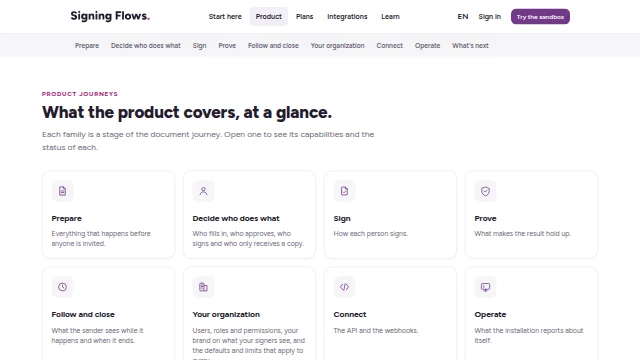
Product
What it does, and the state of each capability.
You will see the capability list with three words next to each one: Available, On request, In roadmap. Read the three words first: they tell you what this installation can show today.
 Go
GoTry the sandbox
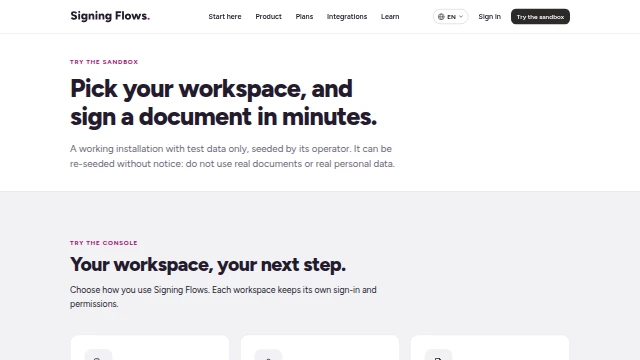
Open an account and follow a journey.
You will see six journeys to follow with your own account: a document with signers, roles, quorum, a dossier, signing on the phone, checking a signed PDF. Start with the first.
 Go
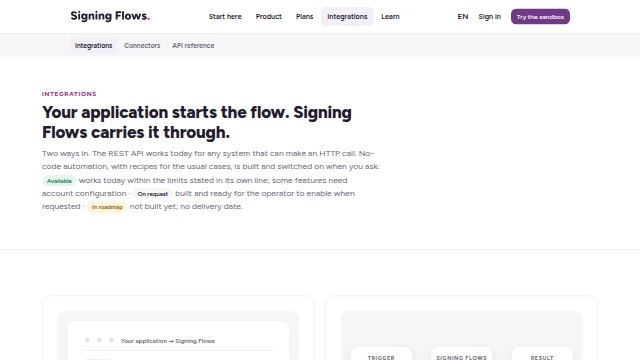
GoIntegrations and Connectors
What it connects to.
You will see the API, the no-code recipes and the directory of connectors, each with the same three words.
 Go
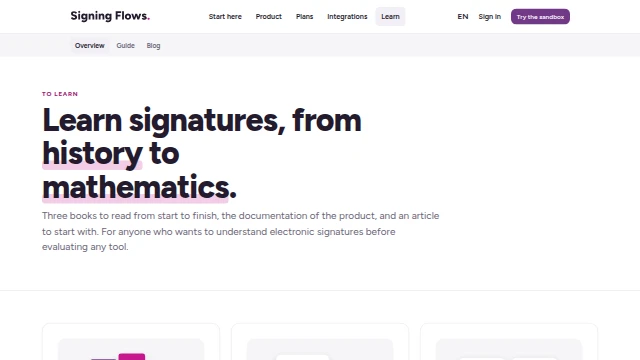
GoLearn
The guide, the blog and the books.
You will see the three books, the user guide and the API, and one article to start with.
 Go
Go
Showing the site to someone? Keep this page open and follow it from top to bottom.